Team instructions Choose your team and follow the steps. Everything you need is listed here.
Designers Content team Website team
Designers Choose the right file Use SVG for digital design and PDF for print. Use PNG only when a tool cannot accept vector files. Use primary on light backgrounds and reversed on Midnight. Use black or white only for one-colour production. Colour Build layouts from white, Midnight and Mist. Keep Coral to the logo dot and small accents. Use Midnight for primary buttons and headlines. Never set reading text in Coral. Use Coral Deep when text must be coral. Design in RGB for screens and CMYK for print, and proof print jobs. English layouts Use the English logo. Set all text in Outfit: Bold for headlines, Regular for reading text. Align text left and use sentence case. Follow the type scale in the Fonts section. Arabic layouts Use the Arabic logo, normally at the top right. Set all text in IBM Plex Sans Arabic. Align text right and mirror the whole layout. Set Arabic about 10% larger than English, with looser line height. Do not flip the logo, numbers or product screens. Do not add letter spacing, italics or stretched letters. Bilingual layouts Use the bilingual logo, with English left and Arabic right. Give both languages equal size and weight. Put each language in its own text block, never on one line. Have a native Arabic reader check every Arabic layout. Before you publish Correct logo version and supplied file Clear space and minimum size respected Only one coral dot in the logo Arabic checked by a native reader Contrast passes on every text colour Content team The name English: Mazrio, always with a capital M. Arabic: مازريو, always with the long ا. Never مزريو. Say "your Mazrio store", not "your Mazrio". Keep Mazrio as one word and never translate its meaning. Colour in content Keep text Midnight or the Text colour on white. Use Coral Deep only for links or a short highlight. Do not colour whole paragraphs. Use the supplied post and story cards as your base on social media. English writing British spelling and sentence case. Short sentences with one idea each. Speak to one merchant as "you". Start with the benefit, then give the detail. Buttons start with a verb: Start free, View plans. Arabic writing Write in simple Modern Standard Arabic. Write it natively. Do not translate word for word. Address the reader as أنت and use neutral wording where you can. Use Arabic punctuation: ، ؛ ؟ Use digits 0 to 9, and keep Odoo and SAP in Latin letters. Check hamza, ة and ى before you publish. Truth and originality Publish only claims you can prove. Do not invent customer numbers, results or reviews. Do not copy text from Salla, Zid, Shopify or any competitor. Use the approved company text in the Media kit section. Before you publish Name spelled correctly in both languages Every claim has proof Arabic written or reviewed by a native writer One clear next step in each piece Approved company text used without changes Website team Set up the site Upload the Website files from the Brand kit. Paste the head snippet into every page and update the domain. Load both fonts with the code below. Import the colour and font CSS file. Colour in code Use the CSS variables and do not hard-code colours. Primary buttons use Midnight with white text. Links use Midnight or Coral Deep. Keep Coral for graphics, not reading text. Check 4.5:1 contrast on all reading text. English pages Set lang="en" dir="ltr". Use the English logo as SVG in the header. Use Outfit with the type scale in the Fonts section. Keep titles under 60 characters and descriptions under 155. Arabic pages Set lang="ar" dir="rtl" on the html element. Use the Arabic logo as SVG in the header. Use logical CSS such as margin-inline-start and text-align:start. Mirror navigation and arrows, but not logos, numbers or phone numbers. Add hreflang links between each English and Arabic page. Use the Arabic share image and share text. Quality Design for phones first, with one primary button per view. Keep tap targets at least 44 by 44 px. Add alt text in the page language. Use WebP images under 200 KB. Add tracking only after consent where the law requires it. Code to copy <link rel="preconnect" href="https://fonts.googleapis.com">
<link href="https://fonts.googleapis.com/css2?family=Outfit:wght@400;500;600;700&family=IBM+Plex+Sans+Arabic:wght@400;500;600;700&display=swap" rel="stylesheet"> Copy <!-- English page -->
<html lang="en" dir="ltr">
<link rel="alternate" hreflang="ar" href="https://YOUR-DOMAIN/ar/">
<!-- Arabic page -->
<html lang="ar" dir="rtl">
<link rel="alternate" hreflang="en" href="https://YOUR-DOMAIN/"> Copy body{font-family:var(--mazrio-font-en);color:var(--mazrio-text)}
[lang="ar"] body,body:lang(ar){font-family:var(--mazrio-font-ar);line-height:1.7;letter-spacing:0}
.button-primary{background:var(--mazrio-midnight);color:#fff;min-height:48px;border-radius:10px;padding-inline:22px}
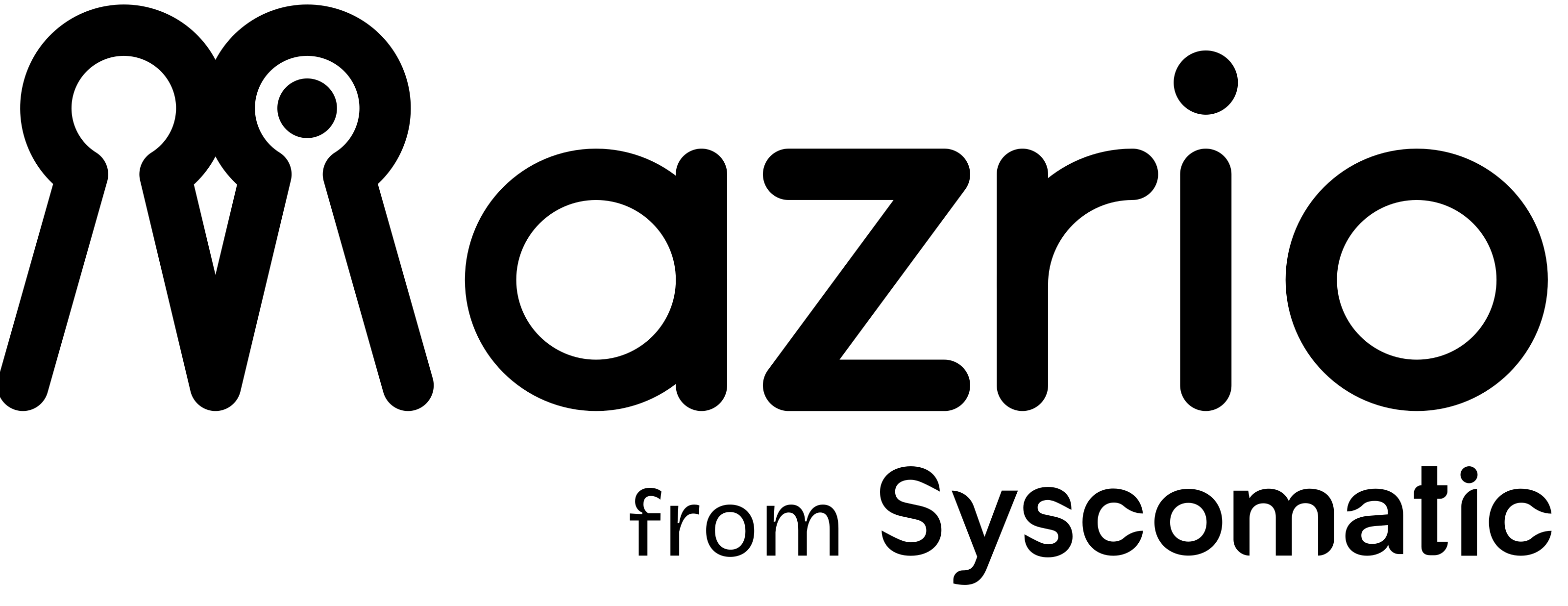
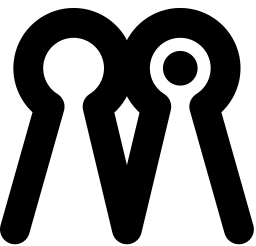
.card{margin-inline-start:16px;text-align:start} Copy Before you publish Favicons and share images load Language switch opens the matching page Arabic page is fully right to left No horizontal scrolling on a phone Primary buttons pass contrast Logo Mazrio is one word. The keyhole M is the first letter, not an icon beside a name.
Two keyholes Merchant and customer, each with a way in.
One unbroken line The connected journey from store to checkout.
One coral dot The intelligence at the core of the product.
Versions
Clear space Keep one keyhole width clear on every side. No text, edge or image goes inside it.
Minimum size Version Screen Print English logo 96 px 22 mm Arabic logo 80 px 18 mm Bilingual logo 180 px 42 mm From Syscomatic 160 px 38 mm Symbol 24 px 8 mm
Below 32 px, use the symbol without the coral dot.
Use it correctly Use the supplied files. Never retype or redraw the logo. Use the primary version on white and light backgrounds. Use the reversed version on Midnight. Keep only one coral dot in each logo. Do not stretch, rotate, outline or add shadows. Do not change the colours or move the dot. Do not place it on busy photos. Do not write the Arabic name as مزريو. Colour Midnight carries the brand. Coral is the small spark. Tap a colour to copy its code.
Midnight #0B1B4D Logo, headings, primary buttons Coral #FF4D5A The dot and small accents White #FFFFFF Main background Mist #F1F3FA Section backgrounds Line #E2E4E9 Borders and dividers Text #2B3040 Reading text Muted #5B6275 Secondary text Coral Deep #D92B3A Coral-coloured text and links
Balance
Roughly 60% white, 30% Midnight and 10% Mist and Coral together.
Contrast White on Midnight 16.4:1 Any text Midnight on Coral 5.1:1 Any text Coral Deep on White 4.8:1 Any text Coral on White 3.3:1 Graphics only, never reading text
Print values Midnight C86 M65 Y0 K70 RGB 11, 27, 77 Coral C0 M70 Y65 K0 RGB 255, 77, 90
Use these CMYK values as a starting point and approve a printed proof before any large run.
Fonts One family per script keeps every page calm. Both are free on Google Fonts.
Type scale Style Size Weight Line height Display 56 px / phone 38 Bold 1.1 Heading 1 40 px / phone 30 Bold 1.15 Heading 2 28 px / phone 24 Semibold 1.25 Heading 3 20 px Semibold 1.35 Body 17 px Regular 1.55 Small 14 px Regular 1.5 Button 16 px Semibold 1
Arabic rules Set Arabic about 10% larger than the English beside it. Use line height 1.7 for reading text, and 1.3 for headlines. Keep letter spacing at zero, because Arabic letters must stay joined. Do not use italics or stretched letters for emphasis. Use weight. Align right and set dir="rtl" on the page. Fallback fonts If the brand font cannot load, use Arial or Tahoma for Arabic and Arial for English.
Website Designed for the phone first, and just as clear in both reading directions.
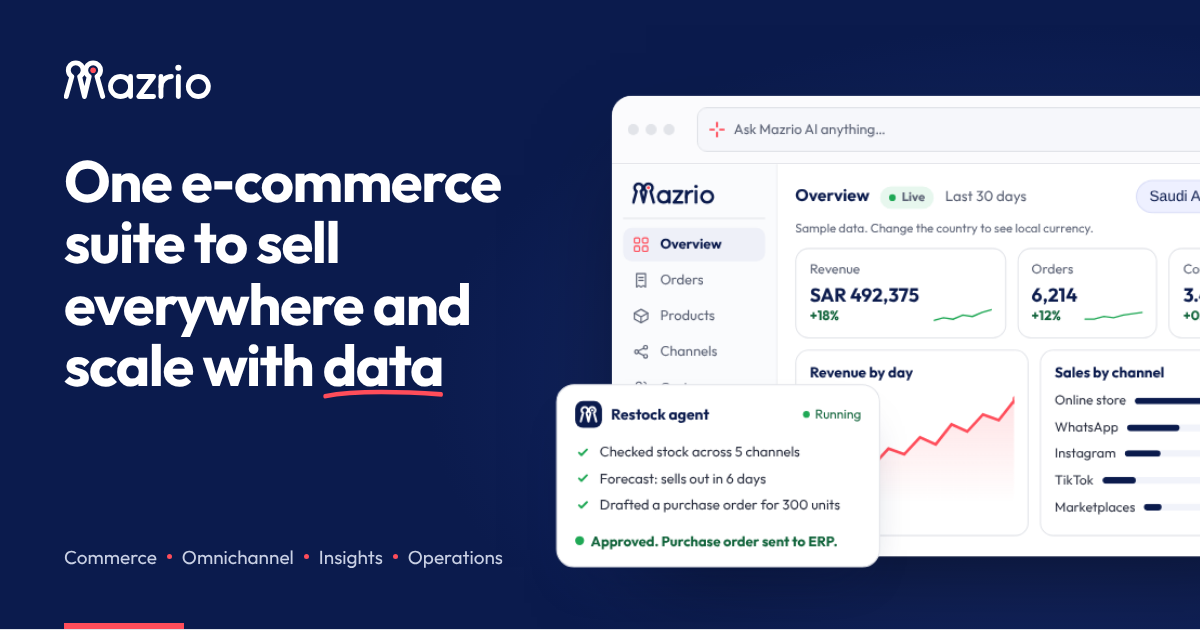
Layout Maximum content width 1200 px. Side margins 20 px on phone and 40 px on desktop. Spacing steps: 4, 8, 12, 16, 24, 32, 48, 72 px. Card and image corners 12 px. Button corners 10 px. Buttons and calls to action One primary button in each view: Midnight fill, white text. Minimum height 48 px, full width on phone. Start with a verb and keep it to two or three words. Secondary actions are outlined or plain text links. Arabic and right-to-left Set lang="ar" dir="rtl" on Arabic pages. Mirror layout, navigation and directional arrows. Do not mirror the logo, numbers, phone numbers or video controls. Use the Arabic logo on Arabic pages. Accessibility Reading text at 4.5:1 contrast or better. Tap targets at least 44 by 44 px. Every image gets alt text in the page language. Never rely on colour alone to show a state. Imagery Real merchants, real products and real screens. Use one clear subject per image with plenty of space. No competitor logos, icons or screenshots. Compress to WebP and keep images under 200 KB. Sharing and tracking Use a 1200 by 630 share image for every page. Keep titles under 60 characters and descriptions under 155. Add Meta and TikTok tracking only after visitor consent where the law requires it. Share text Title Mazrio | Online stores built for MENA and Southeast Asia
Copy Description Launch a store that fits your market, with local payments, Meta and TikTok tracking, WhatsApp orders and ERP sync for Odoo, SAP and more.
Copy Grammar and writing Write the way a helpful expert talks: clear, warm and direct.
The name Write Mazrio with a capital M. Never MAZRIO or mazrio. In Arabic write مازريو, with the long ا. Never مزريو. Do not make it plural or add a possessive to the product: write "your Mazrio store". Write "Mazrio from Syscomatic" only for corporate material. Voice Clear: one idea in each sentence. Warm: talk to one merchant, as "you". Direct: lead with the benefit, then the detail. Honest: no claim without proof, and no invented numbers. English style British spelling: colour, optimise, centre. Sentence case for headings and buttons. Use a comma before "and" only when it helps clarity. Numbers: words for one to nine, digits for 10 and up, and always digits for prices. Currency code before the amount: AED 99 . Dates: 10 November 2026 . Arabic style Modern Standard Arabic, simple enough for every Arab market. Address the reader as أنت. Use neutral wording where you can. Use Arabic punctuation: ، ؛ ؟ Use Western digits (0 to 9) in the product for consistency. Write hamza and ة ى correctly: إنشاء، متجر، مدفوعات، على. Keep product names like Odoo and SAP in Latin letters. Write واتساب in Arabic. Write Arabic from scratch. Do not translate word for word. Use Avoid Launch your store Leverage our solution Get paid locally Seamless payment experience Connect Odoo Synergise your ERP Free to start, if true Best in the world
Button examples Start free Connect WhatsApp View plans أنشئ متجرك اربط واتساب اعرض الباقات
Brand kit Every logo in every format. SVG and PDF stay sharp at any size, and PNG has a transparent background.
English logo Arabic logo Bilingual logo From Syscomatic Symbol App icons